Managing Data Change Requests
Used in these workflows
- What it is: This is your daily approval queue for changes agents want to make. It's crucial to check this regularly to keep your team from getting stuck.
- What you'll find here:
- New Leads submitted by agents.
- Updates to Lead Details (from the
Set Master Databutton). - Tag Changes for tags that require approval (where "Is Modifiable" is off).
- How to Manage Requests:
- Navigate to Data Change Requests in the main sidebar.
- Click on a request to view the details of the change.
- Click Approve to confirm the change or Reject to deny it.
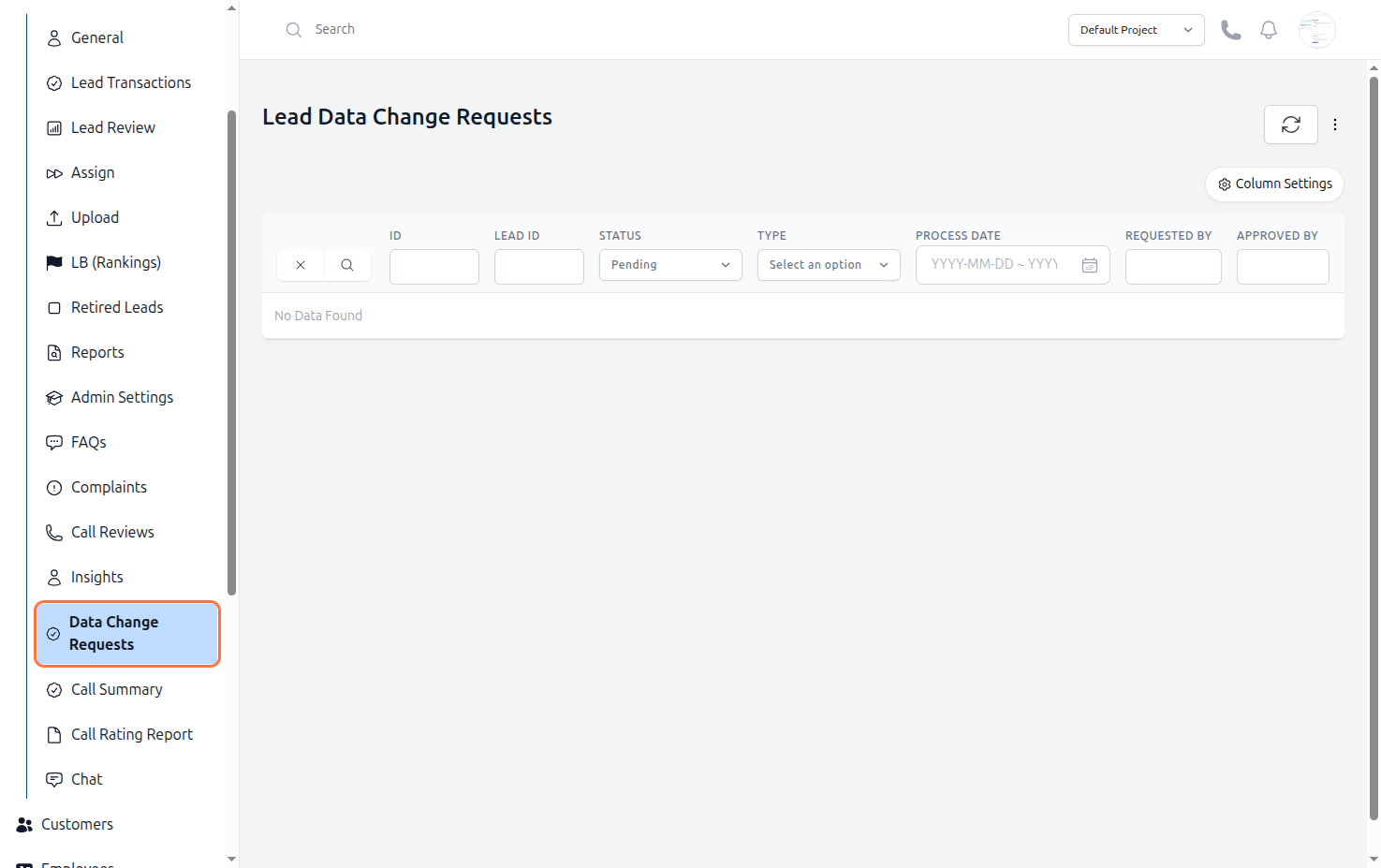
Figure: Lead Data Change Requests